nidus.Sign in

Integration platform for ART clinics

The Fertility Data Platform.

Nidus connects the disconnected systems of fertility clinics — CRM, EMR, ERP, laboratory and patient apps — into one shared fertility data model, with automated workflows and full visibility over every record that moves.
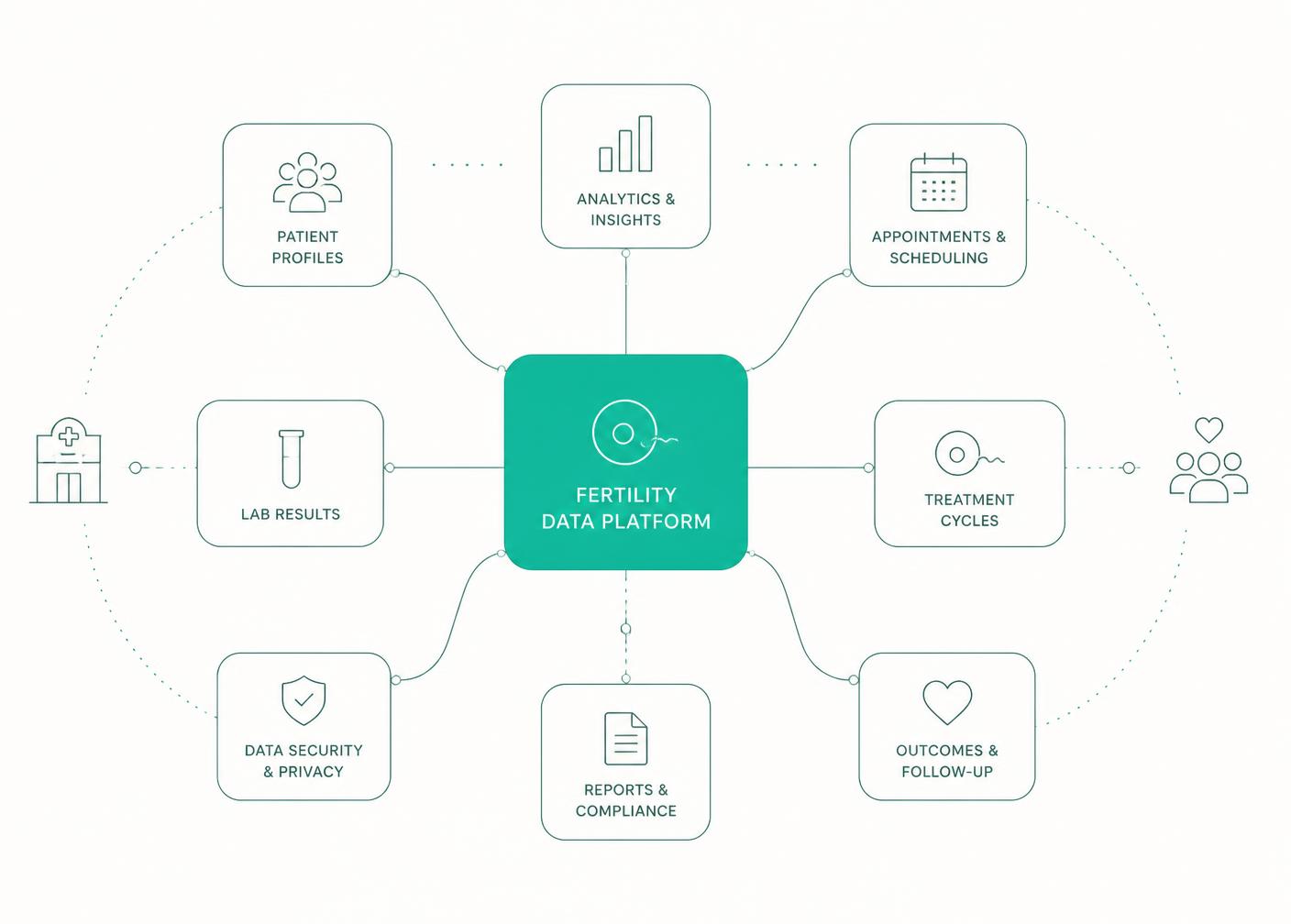
Diagram of a fertility clinic's CRM, EMR, ERP, laboratory and patient systems connected through the Nidus data platform

One cockpit for the whole clinic group

Connections

One typed configuration per system — CRM, EMR, ERP, lab or patient app — with write-only credentials.

Mappings

Translate fields and values between systems once, and reuse them across every clinic in the group.

Workflows

Consent documents, signed-document sync and appointment replication, enabled per organization.

Visibility

A patient journey funnel and a full run history, so nothing silently fails between systems.

Frequently asked questions

What is Nidus?
Nidus is an Integration Platform as a Service (iPaaS) built for the fertility sector. It connects the CRM, EMR, ERP, laboratory and patient systems used by Assisted Reproductive Technology (ART) clinics into a single shared fertility data model, with automated workflows and full data visibility.
Which systems does Nidus connect?
CRMs such as HubSpot, Salesforce and Pipedrive; EMRs such as VRepro and MedITEX; ERPs such as SAP and Sage; laboratory platforms such as Fairtility, AIVF and nexhealth; and patient apps such as EngagedMD and Doctolib.
Who is Nidus for?
Fertility clinics and clinic groups that run several disconnected systems and need patient, treatment and appointment data to stay consistent across all of them.
What can Nidus automate?
Workflows such as sending consent documents when a lead is qualified, syncing signed documents back into the EMR, and replicating a new appointment across every connected system.
How does Nidus handle clinic data and credentials?
Every organization is a separate tenant with row-level security, so clinics only ever see their own data. Connection credentials are write-only in the cockpit: the interface shows which secrets are set, never their values.